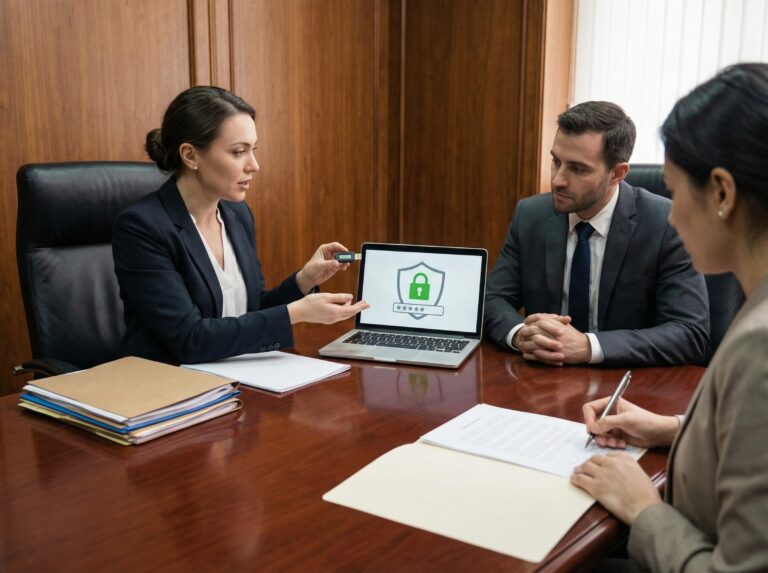
When your firm handles sensitive case files, your reputation and your license ride on how well you protect client information. Strong advocacy in the courtroom or at the negotiating table is not enough if a breach exposes your files, email, or strategy.
For owner‑led law firms in Chicago and across Chicagoland, managed IT for law firms is really about one question: can you keep serving clients and protecting privilege if something goes wrong with your systems. Good cybersecurity and IT controls can significantly reduce that risk, but they cannot eliminate it completely. The goal is to make your firm hard to attack, quick to recover, and able to show that you took reasonable steps to protect client data.
Why law firms are prime targets for cyber attacks
Cybercriminals go where the data and money are. Law firms have both.
A single mid‑size firm may hold:
- Litigation strategy and discovery for multiple matters
- M&A deal documents and financial models
- Employee files and payroll data
- Banking details, wire instructions, and trust account records
- Settlements, NDAs, and other highly sensitive documents
From an attacker’s point of view, a law firm handling sensitive case files is a shortcut into many companies and high‑net‑worth individuals at once. Criminals know that even a short outage or data leak can be devastating, so the pressure to pay or settle is high.
On top of this, you may have ethical and regulatory duties to protect client confidentiality, manage trust funds correctly, and report certain incidents. That means a security failure can become a professional risk as well as a business one.
What “managed IT for law firms” should really cover
Managed IT for law firms used to mean “keep the servers running and respond when something breaks.” That is no longer enough.
For a firm that handles sensitive case files, managed IT should include:
- Day‑to‑day Secure IT Support for your attorneys and staff
- Secure IT Management of your networks, endpoints, servers, and cloud services
- Advanced Security services such as EDR, SOC monitoring, and stronger access controls where risk is highest
- Cyber Assurance Shield to align your controls and documentation with cyber insurance, client demands, and any regulatory requirements
- vCSO services to give you a security leader who can explain risk in business terms
- Physical security services for offices that hold servers, paper files, or high‑value devices
The point is not to buy every possible tool. The point is to match your security controls to the real risk in your practice and keep those controls running correctly over time.
Core risks for law firms handling sensitive case files
Every firm is different, but we see the same patterns across many Chicago‑area practices.
Email and business email compromise
Attackers often start with email. Common scenarios include:
- Fake messages that look like they are from partners, clients, or opposing counsel
- Malicious links or attachments that install malware or steal passwords
- Attempts to redirect settlement funds or trust account transfers to criminal accounts
Because so much legal work flows through email, a single compromised inbox can expose case files, privileged communications, and payment instructions.
File servers, DMS, and cloud storage
Most firms use a document management system, file server, or cloud storage platform for case files. If those systems are not secured with strong access controls, backups, and monitoring, a ransomware attack or insider error can lock or wipe years of work.
If attackers steal copies of your document library, you may also have to deal with breach notifications, client questions, and potential claims related to confidentiality.
Remote work and mobility
Attorneys and staff now work from home, court, and client sites. Laptops, tablets, and phones all touch sensitive case files and email.
Unmanaged home networks, shared family devices, and public Wi‑Fi can all provide paths into your firm if they are not balanced with strong controls like VPN, SASE‑style protections, and consistent endpoint security.
Third‑party vendors and supply chain
Your firm may rely on:
- E‑discovery vendors
- Court filing systems
- Cloud practice management platforms
- Accounting and payroll providers
- Marketing and communications firms
If one of these vendors has a breach, your clients and regulators will not care whose system failed. They will focus on who controlled the relationship and whether you did proper due diligence on vendor cybersecurity.
Security foundations every law firm should expect from managed IT
A security‑first managed IT program for a law firm should quietly enforce a set of basics. These are not cutting‑edge; they are table stakes.
Strong identity and access controls
At minimum, your managed IT partner should:
- Use unique accounts for each person and service
- Enforce strong passwords and an enterprise password manager
- Turn on multi‑factor authentication (MFA) for email, remote access, DMS, and any system that can move money or export data
- Use role‑based access so staff only see the matters and data they need
- Follow a clear joiner/mover/leaver process so accounts are updated the same day someone joins, changes roles, or leaves the firm
If a single account is compromised, these controls limit how much damage can be done before detection.
Hardened endpoints and servers
Managed IT for law firms handling sensitive case files should include:
- Central management of all firm‑owned laptops, desktops, and servers
- Regular patching of operating systems and key applications
- Modern endpoint protection and EDR rather than legacy antivirus alone
- Disk encryption on all portable devices
- Automatic screen lock and inactivity timeouts
- Least‑privilege local admin rights
Servers, whether in your office or in the cloud, should be treated as high‑value assets with limited access, monitoring, and regular backup verification.
Secure networks and remote access
Your network should not be a flat open space. A security‑first program will:
- Use business‑grade firewalls at each office
- Segment guest Wi‑Fi from internal systems
- Restrict remote access to approved tools with MFA and logging
- Monitor firewalls and remote connections for unusual activity
In many cases, we add zero‑trust style controls so that devices and users have to prove they are healthy and authorized before they can reach critical systems.
Reliable, tested backup and recovery
Backups are your last defense when something slips through. For sensitive case files, this usually means:
- Multiple copies of key data (documents, practice management, email) in different locations
- At least one backup copy that attackers cannot alter or delete
- Regular test restores to confirm you can recover within an acceptable time
- Documented recovery procedures so your team is not improvising under pressure
Cybersecurity reduces the chance you will need these backups, but you should assume you will rely on them at some point in the life of the firm.
Advanced security services for higher‑risk legal practices
Some firms have risk profiles that call for more than baseline controls. This might include:
- Class action work with very large datasets
- Health care, financial, or government clients with strict requirements
- High‑profile matters that draw attention from advanced attackers
In these situations, Advanced Security services and vCSO support can add: - 24×7 SOC monitoring of endpoints, servers, and cloud platforms
- Threat hunting and better visibility into unusual behavior
- Zero‑trust controls on critical systems and remote access
- More frequent security assessments and penetration testing
- Guidance on cyber insurance applications and underwriting questions
These services do not guarantee prevention of all attacks. They do help you catch problems early and prove to clients and insurers that you are managing risk responsibly.
Handling sensitive case files in the real world
It is one thing to have tools and policies on paper. It is another to make them work with the way attorneys actually practice. Managed IT for law firms should support how you work, not fight it.
Some practical patterns we recommend:
- Separate matter workspaces so that access to each case file set matches the team list
- Clear rules for storing documents only in approved locations, not on local desktops or personal cloud drives
- Simple, secure ways to share documents with clients, experts, and co‑counsel without bypassing controls
- Standard laptop builds for litigators who travel, including encryption, VPN, and data‑loss protections
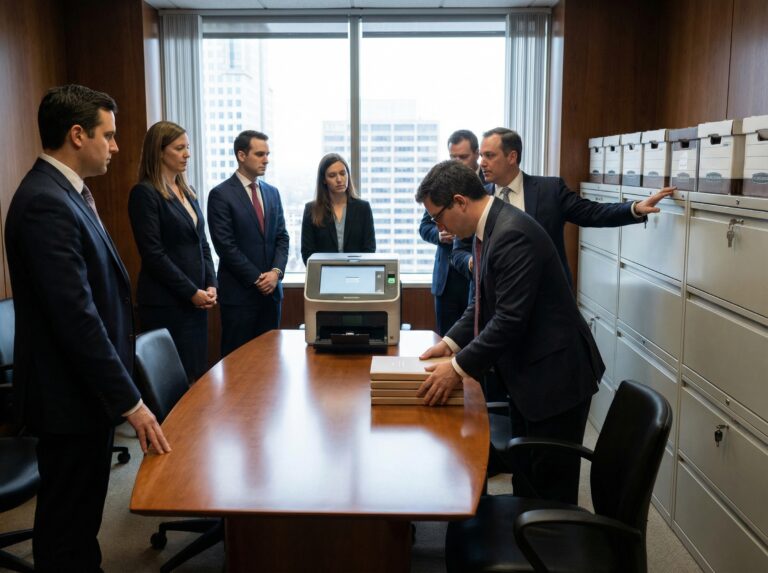
- Clean procedures for handling retired matters, archiving, and destruction timelines
These steps help keep your sensitive case files under control without slowing down your practice more than necessary.
Incident response planning for law firms
Even with strong managed IT, you should assume that at some point you may face:
- A suspected email compromise
- Ransomware or malware on a workstation or server
- A stolen laptop containing client information
- A vendor breach affecting your data
An incident response plan written for law firms handling sensitive case files should answer, in plain language: - How you recognize an incident and who can declare one
- Who is on the response team from IT, leadership, finance, and communications
- What short‑term steps to take to contain the issue
- How you will decide if notification to clients, insurers, or regulators is required
- How you will document actions for any later review or dispute
Our Cyber Assurance Shield and vCSO services often include a review or creation of this plan so that when something does happen, your team is not starting from a blank page.
Working with a security‑first IT partner in Chicagoland
Many law firms already have some form of IT support, whether internal staff or an outside provider. The gap is often in security maturity, documentation, and ongoing risk management, not in basic help desk response.
A security‑first partner should:
- Be able to explain your risk in business terms, not only technical detail
- Bring a clear framework for Secure IT Support and Secure IT Management
- Offer Advanced Security services and SOC coverage where appropriate
- Help you prepare for cyber insurance, client security reviews, and audits through Cyber Assurance Shield
- Provide vCSO services to guide security strategy and budgeting at the leadership level
- Integrate physical security services, such as cameras and access control, where they intersect with IT
You still own the risk. The right partner gives you the visibility, controls, and support to manage that risk without trying to become a security expert yourself.
If you would like to explore a security‑first managed IT approach for your law firm and its sensitive case files, please contact Chicago Technology Group and we will be glad to discuss what makes sense for your practice.