
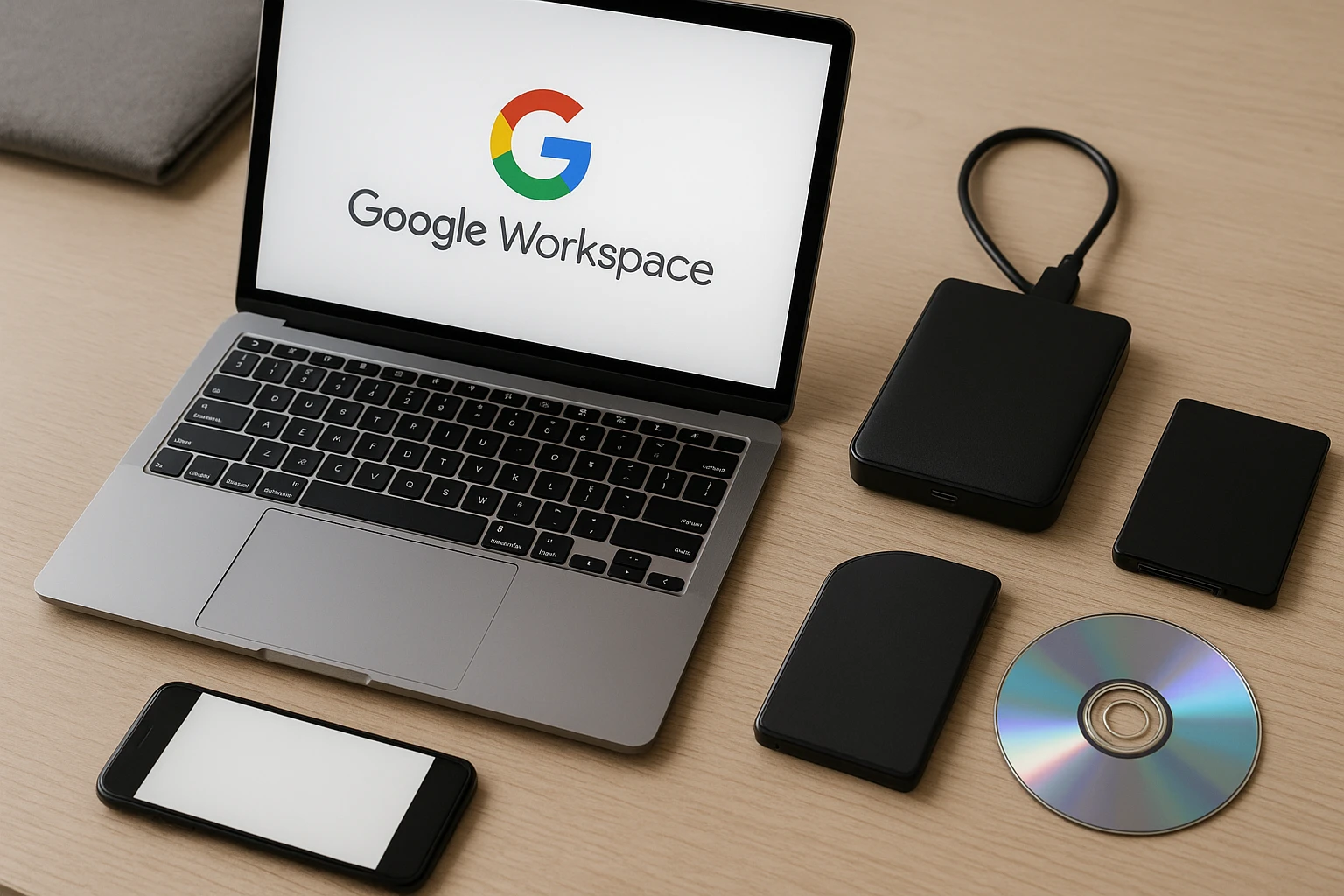
When businesses migrate to cloud-based productivity platforms like Google Workspace, there is often an assumption that data stored in the cloud is automatically protected. After all, Google operates some of the most sophisticated data centers in the world, with redundancy built into every layer of their infrastructure. However, this assumption creates a dangerous blind spot that can leave organizations vulnerable to permanent data loss. Understanding the shared responsibility model and implementing proper backup strategies for Google Workspace data is essential for any business that relies on these tools for daily operations.
Why Google Workspace Data Needs Independent Backup Solutions
Many business owners are surprised to learn that Google does not provide comprehensive backup and recovery services for the data stored within Google Workspace accounts. While Google protects against hardware failures and infrastructure-level disasters on their end, they do not protect against user-initiated deletions, malicious insider activity, ransomware attacks, or accidental overwrites. This distinction is critical because the majority of data loss incidents in cloud environments stem from these user-level events rather than infrastructure failures.
The shared responsibility model that governs cloud services places the burden of data protection squarely on the customer. Google is responsible for keeping their servers running and their infrastructure secure. Your organization is responsible for protecting the actual content stored within your Google Workspace environment. This includes emails in Gmail, files in Google Drive, calendars, contacts, and data stored in other Workspace applications.
Consider what happens when an employee accidentally deletes an important folder in Google Drive. Google provides a trash folder that retains deleted items for a limited period, but once that retention window closes, the data is gone permanently. Similarly, if a departing employee deletes their files before leaving the company, or if a ransomware attack encrypts files that then sync to the cloud, your organization could face significant data loss without a proper backup strategy in place.
Understanding Google’s Native Retention and Recovery Limitations
Google Workspace does include some native data retention features, but these are often insufficient for comprehensive business continuity needs. The standard trash retention period allows recovery of deleted files for approximately 25 days for end users, with administrators having an additional window to restore items from the admin console. After these periods expire, data becomes unrecoverable through native tools.
For organizations subject to regulatory requirements or those that simply want longer retention periods, Google offers Vault as an add-on service. Google Vault provides archiving and eDiscovery capabilities, allowing organizations to retain data for extended periods and search across historical records. However, Vault is primarily designed for compliance and legal hold purposes rather than operational backup and recovery. Restoring data from Vault can be cumbersome, and the service does not provide the point-in-time recovery capabilities that many businesses need.
The native version history feature in Google Drive does maintain previous versions of documents, which can be helpful for recovering from accidental changes. However, version history has its own limitations regarding retention periods and does not protect against file deletion. Once a file is permanently deleted, its version history disappears along with it.
Key Considerations When Evaluating Google Workspace Backup Solutions
When selecting a backup solution for Google Workspace data, several factors deserve careful consideration. The right solution for your organization will depend on your specific requirements around recovery time objectives, retention needs, compliance obligations, and budget constraints.
Recovery granularity is one of the most important factors to evaluate. Some backup solutions only allow full account restores, which can be time-consuming and disruptive when you only need to recover a single file or email. More sophisticated solutions offer granular recovery options, allowing administrators to restore individual items without affecting other data in the account.
Backup frequency determines how much data you could potentially lose between backup snapshots. Solutions that back up data multiple times per day provide better protection than those that only run daily backups. For organizations with high data change rates or critical information flowing through email and collaboration tools, more frequent backup intervals reduce the risk of significant data loss.
Retention policies should align with your business requirements and any regulatory obligations your organization faces. Some industries require retention of business communications for specific periods, and your backup solution should support these requirements without manual intervention. The ability to set different retention policies for different types of data or different user groups adds flexibility for organizations with varied compliance needs.
Security of the backup data itself is paramount. Your backup solution should encrypt data both in transit and at rest, and should provide robust access controls to prevent unauthorized recovery or deletion of backup data. The backup environment should be isolated from your production Google Workspace environment to prevent a single security incident from compromising both your primary data and your backups.
Types of Backup Approaches for Cloud Productivity Platforms
Several different approaches exist for backing up Google Workspace data, each with distinct advantages and trade-offs. Understanding these options helps organizations make informed decisions about their data protection strategy.
Cloud-to-cloud backup solutions have become increasingly popular for protecting SaaS application data. These solutions run entirely in the cloud, connecting to your Google Workspace environment via API and storing backup data in a separate cloud infrastructure. This approach eliminates the need for on-premises hardware and simplifies management, making it attractive for organizations that have fully embraced cloud computing.
Hybrid backup approaches store backup data both in the cloud and on local infrastructure. This provides an additional layer of protection and can offer faster recovery times for large data sets since data does not need to traverse internet connections during restore operations. Organizations with existing on-premises backup infrastructure may find hybrid approaches appealing as they extend existing investments to cover cloud workloads.
Export and archive strategies involve periodically exporting data from Google Workspace and storing it in a separate location. While this approach can work for smaller organizations or specific use cases, it typically lacks the automation and granular recovery capabilities of purpose-built backup solutions. Manual export processes are also prone to human error and may not capture all data types comprehensively.
Protecting Gmail and Email Data from Permanent Loss
Email often represents one of the most critical data repositories for business organizations. Important communications, attachments, contracts, and institutional knowledge flow through email systems daily. Losing access to historical email data can disrupt operations, create legal exposure, and damage business relationships.
Backing up Gmail requires capturing not just the message content but also the folder structure, labels, and metadata that help users organize and find information. A comprehensive email backup solution should preserve the organizational structure that users have created, allowing restored data to be immediately usable rather than requiring manual reorganization.
Shared mailboxes and group email addresses present additional backup considerations. These resources are often used for customer service, sales inquiries, or departmental communications, and the data they contain may be even more critical than individual user mailboxes. Ensure your backup strategy accounts for these shared resources and provides appropriate recovery options.
Safeguarding Google Drive Files and Shared Drive Content
Google Drive serves as the primary document storage and collaboration platform for Google Workspace users. The combination of individual My Drive storage and Shared Drives for team collaboration creates a complex data landscape that requires thoughtful backup planning.
Individual user drives contain personal work files, downloaded attachments, and documents created by that user. When employees leave the organization, their My Drive content may be transferred to another user or deleted, depending on your offboarding procedures. Backup solutions should capture this data regardless of user status changes, ensuring that important files are not lost during personnel transitions.
Shared Drives present different challenges because they are owned by the organization rather than individual users. Multiple team members may have access to Shared Drive content, and changes made by any authorized user affect the shared repository. Backup solutions should track changes across all users with access and provide clear audit trails showing who modified what and when.
File sharing settings and permissions represent another dimension of Google Drive data that deserves protection. Restoring a file without its associated sharing settings may require manual reconfiguration of access permissions, adding time and complexity to recovery operations. More sophisticated backup solutions capture and restore permission settings along with file content.
Compliance and Regulatory Considerations for Workspace Data Backup
Many industries face regulatory requirements that mandate specific data retention periods and recovery capabilities. Healthcare organizations must comply with HIPAA requirements for protecting patient information. Financial services firms face SEC and FINRA regulations governing record retention. Legal firms have ethical obligations to preserve client communications and work product.
Your Google Workspace backup strategy should align with applicable regulatory requirements for your industry. This includes not only retention periods but also security controls, access logging, and the ability to produce historical records in response to legal discovery requests or regulatory audits.
ChicagoTG provides Cyber Assurance Shield services that help organizations navigate the complex landscape of compliance requirements . Understanding how your backup strategy fits into your broader compliance program ensures that data protection investments support rather than complicate regulatory obligations.
Building a Comprehensive Data Protection Strategy
Backup is just one component of a comprehensive data protection strategy. Organizations should also consider disaster recovery planning, business continuity procedures, and incident response capabilities. These elements work together to ensure that your organization can continue operating even when unexpected events occur.
Regular testing of backup and recovery procedures validates that your data protection investments will perform as expected when needed. Many organizations implement backup solutions but never test the recovery process, only to discover gaps or failures during an actual incident when the stakes are highest. Scheduled recovery testing should be part of your ongoing IT operations.
Documentation of backup procedures, recovery steps, and responsible parties ensures that the right people can take the right actions quickly during a data loss event. This documentation should be accessible even if your primary systems are unavailable, which may mean maintaining copies outside of Google Workspace itself.
How ChicagoTG Supports Google Workspace Data Protection
At ChicagoTG, we understand that protecting business data requires more than just implementing tools. It requires a strategic approach that considers your specific business requirements, risk tolerance, and operational constraints. Our team works with organizations to evaluate their current data protection posture, identify gaps, and implement solutions that provide appropriate protection without unnecessary complexity or cost .
Our Secure IT Support and Management services include guidance on backup strategy and implementation for cloud productivity platforms . We help clients understand their options, select appropriate solutions, and configure backup systems to meet their specific needs. Ongoing monitoring and management ensure that backup systems continue operating correctly and that any issues are identified and addressed promptly.
For organizations seeking comprehensive security and compliance support, our vCSO services provide executive-level guidance on data protection strategy as part of a broader security program . This holistic approach ensures that backup and recovery capabilities integrate smoothly with other security controls and business processes.
If your organization uses Google Workspace and you are uncertain whether your current data protection measures are adequate, we would welcome the opportunity to discuss your situation. Please reach out to schedule a brief conversation about your backup strategy and how we might help strengthen your data protection posture.